20 clients and hundreds of wells operated20 clients and hundreds of wells operated
The sample month
Start of the month
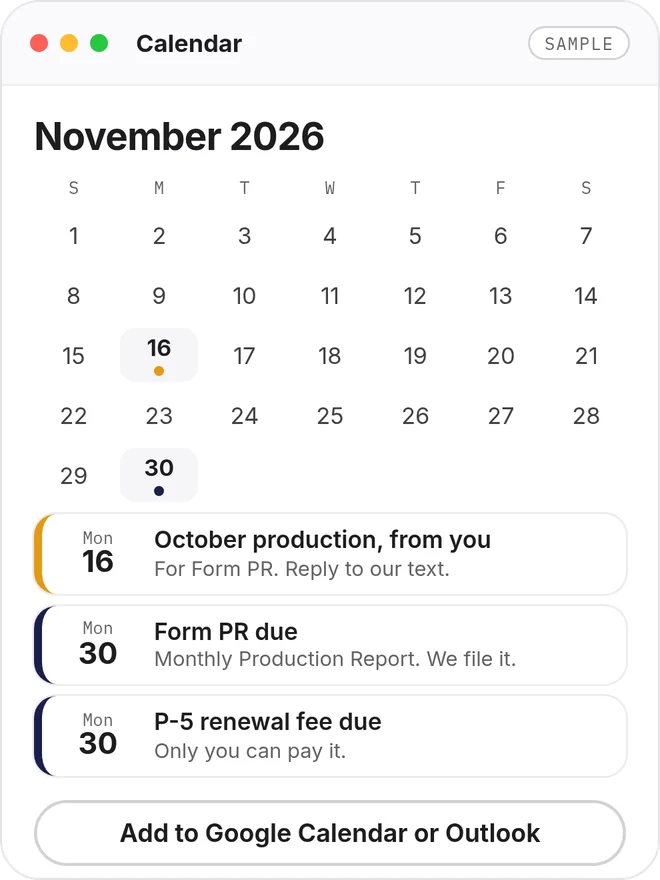
A calendar
Every RRC due date, in Google Calendar or Outlook.
Sample
Early in the month
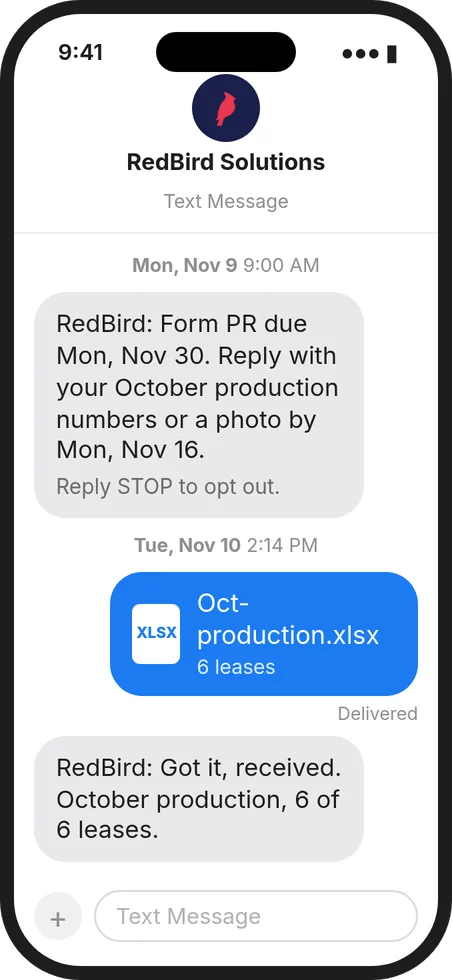
Texts
Only when we need something, something is wrong, or a deadline is close.
Sample
Before each deadline
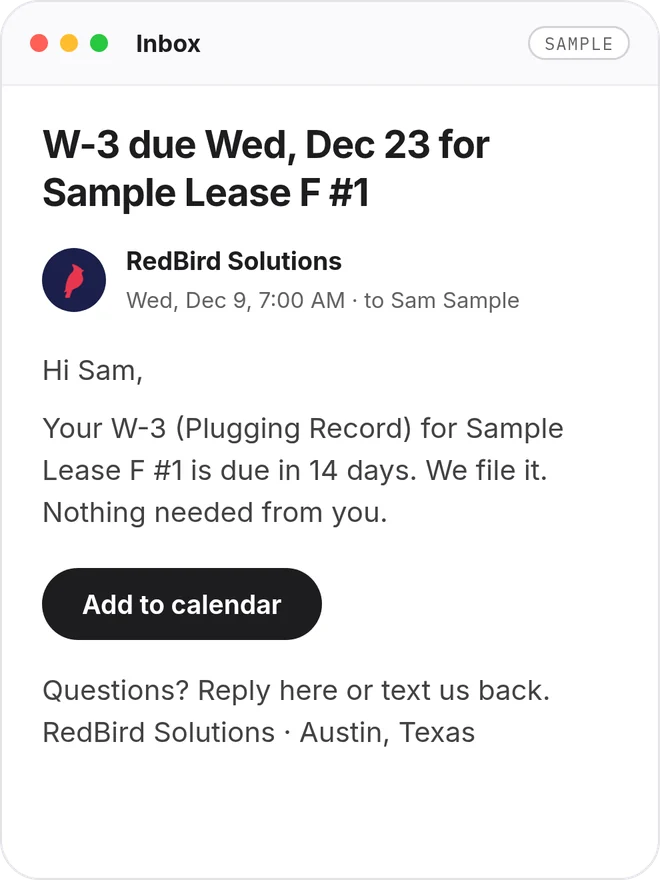
Emails
A reminder 14 days and 7 days before each state deadline.
Sample
End of the month
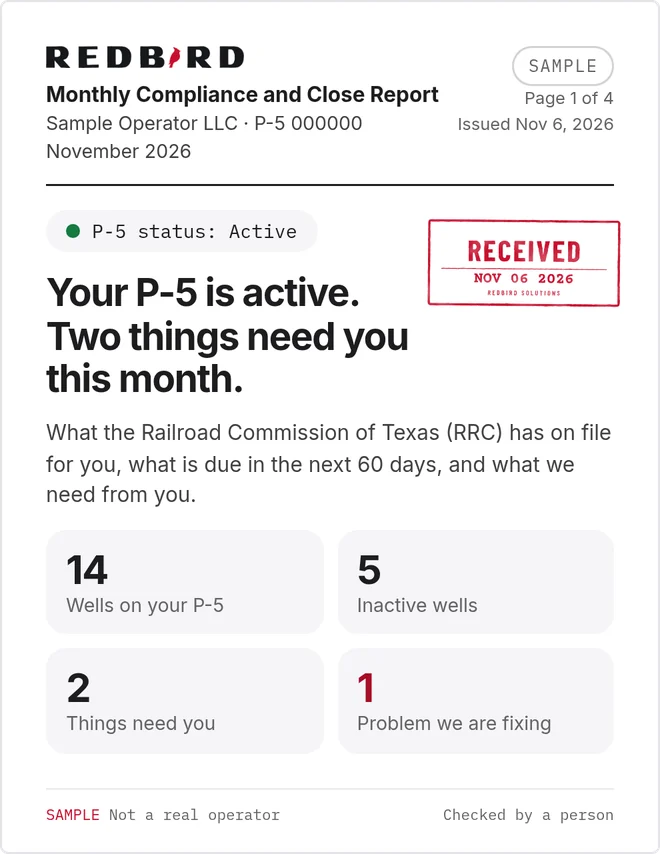
A monthly report
Your state record, plus a Your books page when we do your books.
Sample
All month
Bills and statements
Forward vendor bills and buyer check stubs to your RedBird address. Or reply to our text with a photo or a file.
Before anything goes out
You approve
You approve every payment before it goes out, unless your agreement says otherwise.
By each due date
We file
We file what is due and send you proof. When we need something, we text you.
Getting started
Three steps to start.
Getting started takes a few minutes. You approve RedBird in LoneSTAR, the RRC's online filing system, and forward RRC email to us.
01
Approve RedBird in LoneSTAR.
Your admin gives us filing rights. It takes a few minutes.
02
Forward RRC email.
Send email from the RRC to your own RedBird address, and add your deadline calendar.
03
We file. You get a report.
We file what is due and send you proof. When we need something, we text you.
Questions.
How do I send you what you need?
Reply to our text. From the field, snap a photo of the field report or gauge chart. From the office, reply with a PDF or spreadsheet. We match it to your well, check it, and text back: Got it, received.
Do I approve each filing?
Only if you want to. By default we file for you, like any consultant would. If you would rather review each one first, tell us and we send it to you before we file.
Get started
Get your back office off your desk.
Tell us what you need. We look up the public record the state keeps on your operator number. Then we reply to set up a call.